Case Study 02 — Systems That Scale
Mogrt Automation
A catalog of 63 motion templates that lets an LLM build on brand After Effects and Premiere sequences from plain text, in under 15 seconds.
A catalog of 63 motion templates that lets an LLM build on brand After Effects and Premiere sequences from plain text, in under 15 seconds.
Stakeholders and video editors were hungry for flexible graphics to elevate their edits, and I wanted to give them a way to make on brand motion without routing everything through me. The existing options didn't cut it: Claude Code struggled writing raw JSX, and tools like Remotion took 5 to 10 minutes to render something off brand and hard to tweak. For a brand with strict standards and fast turnarounds, that's a nightmare. I wanted AI that could make motion fast, keep it on brand, and still let me go in and tweak by hand.
Five years at Snowflake left me with a deep archive — motion graphics treatments and sequences across dozens of projects. Instead of building a template library from scratch, I gave that work a second life: I converted it into 63 responsive Essential Graphics templates, with expression driven resizing and recoloring so each one can flex to any format or palette. Then I cataloged every template by text style, energy, mood, complexity, duration, and what it's best suited for. The tagging combined my own authorial intent with Gemini visual metadata, which I generated by staging the files on a Snowflake stage and having Claude Code write the SQL to call AI_COMPLETE. Now it's bundled as a skill: Claude reads the catalog, picks the right templates for a brief or script, and writes the copy. A Python payload handles the actual layout, timing, and Essential Graphics calls through JSX. The LLM never touches raw animation, so it can't drift off brand.
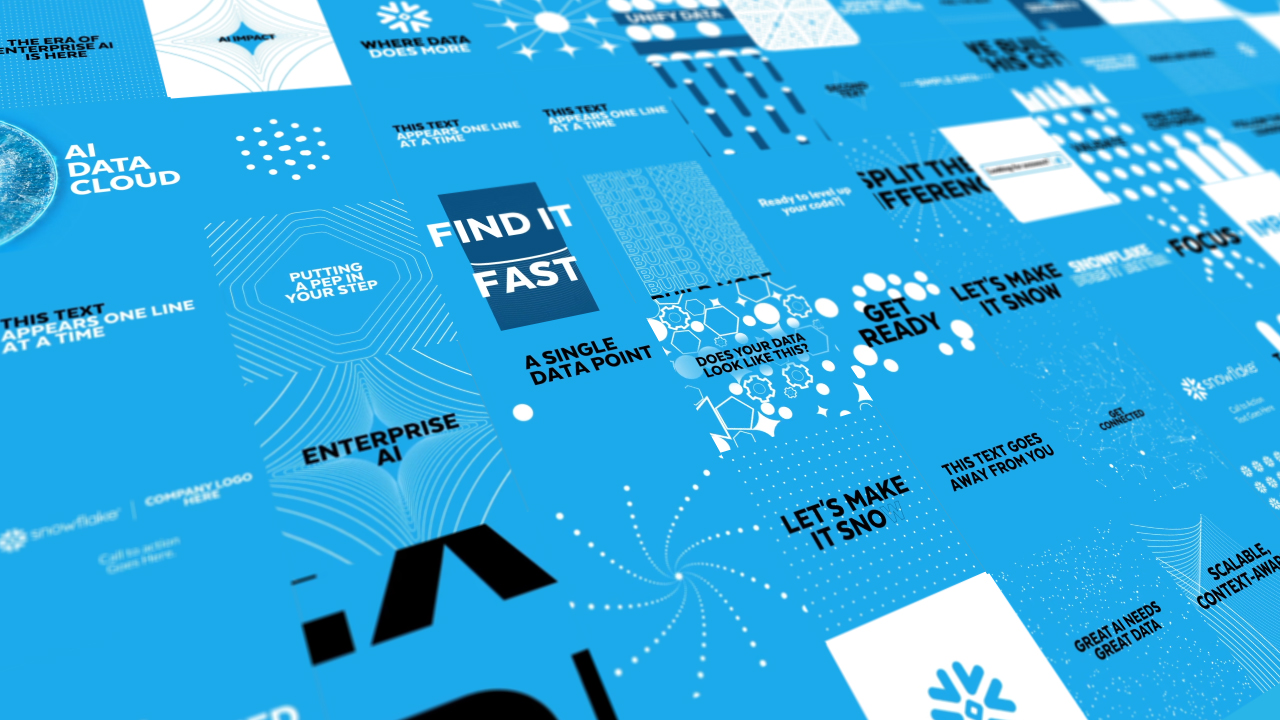
My favorite part of having an LLM in the loop: the input can be a detailed brief, a script, a rough idea, even a single word, or just an editor asking for MOGRT suggestions for one specific moment in a cut. It infers the intent and hands back a real After Effects or Premiere sequence in under 15 seconds, in 16:9, 9:16, or 1:1. And because everything is shape layers and Essential Graphics, I can drill into the precomps and tweak anything I want. Fast, on brand, and I keep full creative control.
The same system outputs across every aspect ratio the channels need, in both After Effects and Premiere, used in production by 3 motion designers and 8 editors.
Before this, I was the person everyone came to for custom motion graphics. Now editors across Snowflake's video series build their own sequences and can't drift off brand. I've watched a dozen plus polished videos show up in my social feed that all would have landed in my queue before. It also changed pre production: we can feed it a draft script and get a proof of concept animation back right away, so we can feel out whether the energy and pacing land before committing to a full build, instead of the old loop of revisions with stakeholders who need to see it before they can comment on it.